

Can You Release AI Vocals on Spotify? A Practical Checklist
Prepare a song with AI vocals for Spotify. Understand singer selection, source rights, accurate credits, and distributor delivery in one practical checklist.
By Vocalist.ai Editorial Team · October 27, 2026 · 4 min read
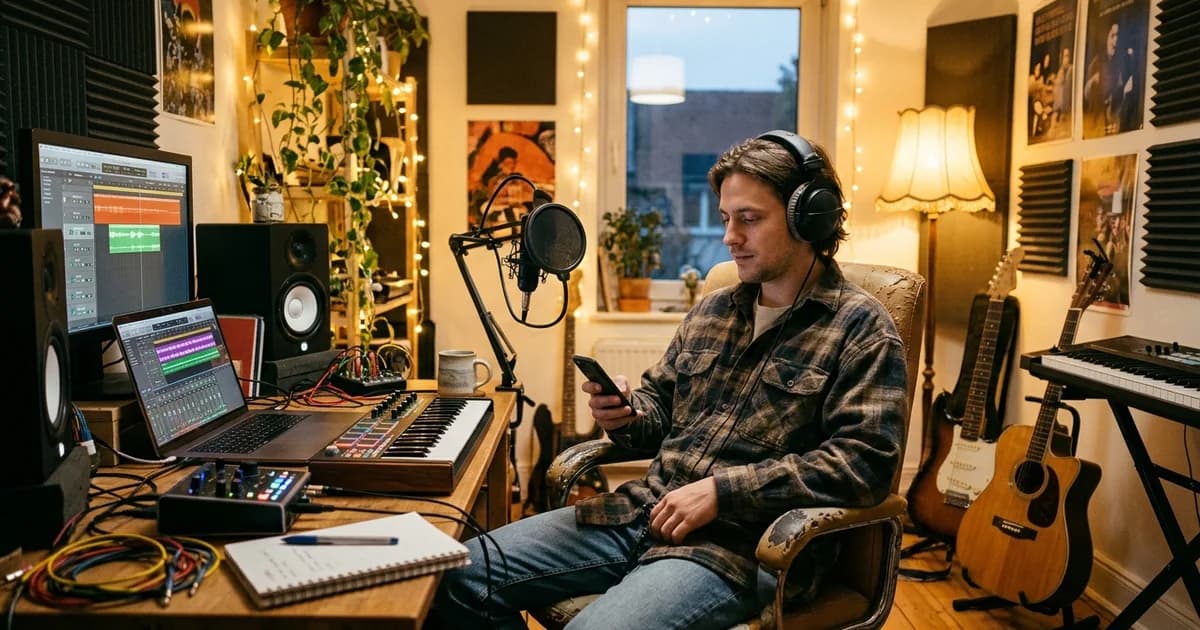
Yes, songs with AI vocals can be submitted for release on Spotify through a distributor. Prepare the recording, use accurate credits, and follow the distributor's delivery process. This guide explains the source-rights, voice, and metadata questions involved.
Recorded-vocal transformation is also different from generating an entire performance from a prompt. Explain what you actually used rather than assuming every process falls under the same checkbox.
Policy sources checked: October 22, 2026. Use the linked current documentation when preparing your delivery.
Your pre-release checklist
- You can document the rights to the song, lyrics, recording, backing, and samples.
- The voice or model is authorized for your intended use.
- You have selected the singer and output you want in the finished mix.
- Your distributor accepts the tools and process used for the release.
- Credits and artist identity are accurate, without implying an unauthorized feature or endorsement.
- You understand the distinction between AI credits, an AI-generated artist identity, and a human artist using AI tools.
1. Clear the input as well as the output
A model license does not clear a commercial recording you downloaded, a beat with incompatible terms, or a composition owned by somebody else. The U.S. Copyright Office explains that compositions and sound recordings have separate rights.
For a cover or remix, determine which source rights and release permissions apply. Do not assume that separating a vocal or changing its timbre eliminates those rights. The AI-cover workflow explains the difference between preparing audio and licensing it.
2. Do not use an unauthorized recognizable voice
Spotify's voice-impersonation policy says it will remove music that impersonates another artist's voice without permission, whether through AI cloning or another method.
The policy is not limited to releases that name the impersonated artist. Calling a track an "AI version" or omitting the artist's name does not establish authorization. Do not use model selection or metadata to suggest a celebrity collaboration you do not have.
Choose models whose use you are authorized to license, and retain the documentation. Permission to use a vocal character does not mean the singer personally performed or endorsed your song.
3. Choose the vocal for your finished mix
Audition the transformed take against the backing, check the entrances and phrase endings, and choose the version that best carries the song. Keep a dry copy for any final mix adjustments.
Vocalist's royalty-free guidance covers commercial song use on paid subscriptions. For a comparison of vocal samples and custom performances, see royalty-free vocals.
4. Ask your distributor about the actual process
Spotify delivery normally happens through a distributor. Check its current rules for your combination of recorded human performance, vocal transformation, generated material, licensed samples, and credits.
Ask specific questions: "This vocal began as my recorded performance and was transformed with an authorized singer model. Which disclosure and credit fields should I use?" That is more useful than asking whether "AI music" is allowed in the abstract.
Do not assume a successful upload preview means the release has completed every platform review. Keep delivery messages and resolve errors through the distributor.
5. Separate AI credits from artist identity
Spotify's AI-credits Help page describes role-level disclosure for contributions such as vocals, lyrics, instrumental performances, and production. At the time checked, these credits are optional, in beta, and supported through certain distributors. The page says human and AI contributions to the same role should be credited separately.
An AI Persona badge concerns an AI-generated artist identity; it is not the same as disclosing AI use within a human artist's song. Spotify's October 20, 2026 update describes distinct handling of AI Personas, spam, and recommendations. Do not reduce that policy to either "all AI music is banned" or "AI use has no distribution consequences."
Follow the current instructions for your situation, including your model provider's attribution guidance. Do not route a credit to an unrelated real artist's profile.
6. Review what you are promising publicly
Use accurate artwork, artist names, titles, and descriptions. Avoid misleading feature credits, fabricated human-performer claims, mass-duplicate uploads, and artificial streaming. Acceptance, recommendation eligibility, and royalty eligibility are separate questions; do not forecast earnings from successful delivery alone.
Keep a release folder containing licenses, terms, contributor permissions, source files, model details, creation dates, and distributor correspondence. Recheck the policy links before submitting rather than relying on an old screenshot or another artist's experience.