

How to Remove Vocals from a Song and Keep the Instrumental
Create an instrumental from a song with vocal separation. Follow the steps, hear a real example, and learn how to judge vocal bleed and lost instruments.
By Vocalist.ai Editorial Team · September 25, 2026 · 4 min read
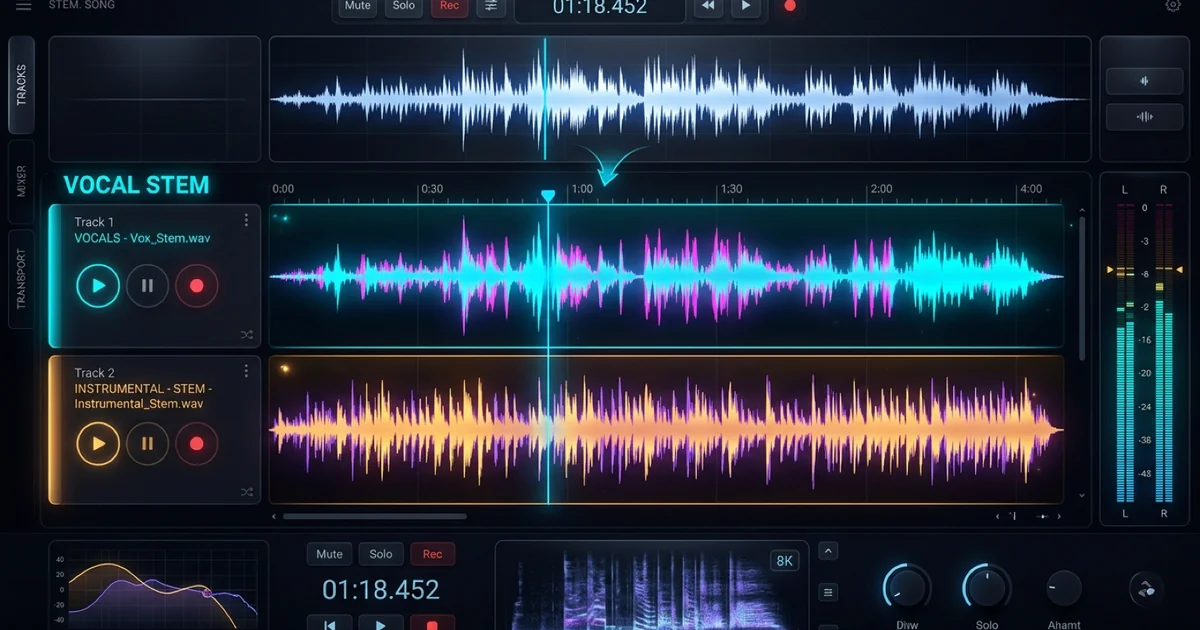
To remove vocals from a song, separate the audio into a vocal stem and an instrumental stem, then keep the instrumental. In Vocalist.ai, open Stem Splitter, upload the file, choose Vocals + Instrumental, run Split Stems, and preview the instrumental output before downloading it.
The result is an estimate of the backing track, not the original instrumental multitrack. Dense harmonies, vocal effects, and sounds that overlap the singer can leave traces or lose detail. Listen before deciding whether it suits practice, a demo, or a production.
Hear the source and instrumental output
The supplied R&B mix before separation.
The backing-track output separated from that same mix.
Compare phrase endings, busy sections, and the spaces between sung lines. Those moments help you notice vocal residue and changes to the backing. This example demonstrates one source and output, not a guarantee for every song.
A practical vocal-removal workflow
1. Start with the best source available
Use the original mix export if you have it. A file that has already been repeatedly compressed, recorded through speakers, or clipped gives the separator less useful information. Converting a low-quality file into WAV does not restore what was lost.
If you have the production session, mute the vocal tracks and their effects returns instead. That produces a backing without asking an algorithm to guess which sounds belong to the singer.
2. Choose the output you actually need
Use Vocals + Instrumental for a backing track. The current Stem Splitter documentation also describes a grouped six-stem mode for broader arrangement work, but you do not need those additional outputs simply to remove the voice.
Vocal removal and vocal isolation are opposite choices within a related process. Keep the instrumental for karaoke or new vocals; keep the vocal stem if you want to edit the original singing. See how to isolate vocals for that task.
3. Preview a difficult section
Listen where the singer overlaps cymbals, guitar, or a dense chorus. Check whether backing voices remain and whether important instrumental notes have become thin or unstable.
Listen at the level you will actually use. Turning a residual voice up dramatically in headphones can reveal a flaw that will not matter for private rehearsal, while a quiet artifact may still be distracting in an exposed release intro.
4. Download and check the complete file
Import the result into your DAW or practice player. Compare the beginning, middle, and ending with the source. Listen through transitions rather than judging from one quiet verse.
If you will record a replacement vocal, verify the backing's key and tempo. Keep the original file as a timing reference, but do not leave it playing beneath the instrumental accidentally.
Why the singer sometimes remains audible
| What you hear | Likely issue | Useful next step |
|---|---|---|
| Faint lyrics in a reverb tail | Vocal effects remain in the backing estimate | Try a cleaner source or decide whether a new arrangement can mask the residue |
| A harmony remains | Several voices overlap instruments | Seek original stems if the remaining line matters |
| Cymbals sound watery | Separation has altered shared spectral material | Compare with the source; avoid boosting the damaged area heavily |
| An instrument disappears with the singer | The separator assigned some overlapping sound to the vocal stem | Use an official instrumental or rebuild that part |
These are diagnostic possibilities, not a way to identify an algorithm's internal decision with certainty.
Running the instrumental through separation repeatedly can remove more than the voice. Audition any second pass against the first, rather than assuming more processing means more accurate separation.
Can EQ or phase cancellation do the same job?
EQ changes frequency bands, not musical roles. Cutting the singer's midrange also cuts instruments in that range. Center-channel cancellation can reduce material common to both stereo channels, but it can also affect centered drums and bass while leaving stereo vocal effects.
Neither method reliably reconstructs a clean instrumental from an arbitrary finished song. Dedicated separation is the more direct starting point; an original instrumental export is preferable when available.
Put the instrumental to work
Use the backing for rehearsing a part, recording a replacement vocal, or developing a new arrangement. Keep the source and separated outputs together so you can compare sections as you work.