

How to Remix a Song: Start with Clean Vocal Stems
Build a remix from vocal stems, tempo, key, and a new arrangement. Learn how to separate the parts you need and bring them into your DAW.
By Vocalist.ai Editorial Team · October 23, 2026 · 4 min read
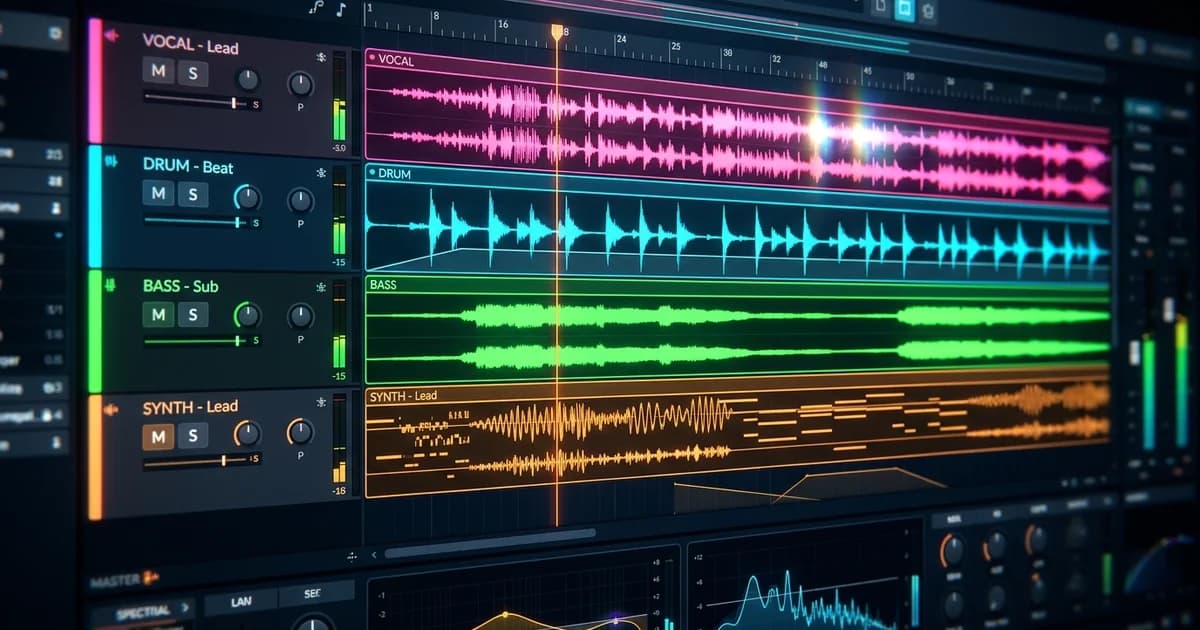
To remix a song, identify the elements you want to keep, establish tempo and key, and build a new arrangement around them. Original stems are the most direct starting point. If you only have a full mix, source separation can provide working material for the new production.
A remix changes the production or arrangement. An AI cover changes the vocal presentation through a different workflow. You can combine those ideas, but each processing step and permission still needs its own purpose.
Start with a remix concept and usable rights
Write one sentence describing the change: a sparse half-time version, a brighter dance arrangement, or a vocal-led acoustic reinterpretation. This gives you a reason to keep or remove each source element.
Then establish what you may use. Permission for a cover recording is not automatically permission to modify an existing master. The U.S. Copyright Office distinguishes the composition from the sound recording. An official remix agreement should address the intended use of the supplied audio; contest or download terms can be narrower than a general commercial-release license.
Choose the parts that define your concept before deciding whether a singer change belongs in it. Stem preparation and voice transformation are separate choices.
1. Collect the best available material
Ask for original vocal and instrumental stems with a common start position. A DAW export preserves more control than trying to recover parts from the finished master.
When original stems are unavailable, choose the separation mode for the element you need. Vocalist's Stem Splitter documentation describes dedicated vocals-and-instrumental separation and a six-group mode for broader production work. Neither recreates the original multitrack session.
The supplied R&B recording used as a separation source.
The vocal estimate from that same mix, including its existing spatial treatment.
Listen to the vocal output for the phrases you want to build around. This pair demonstrates the source-preparation stage; your new arrangement starts with what you do next.
2. Establish tempo from several landmarks
Import the source into your DAW and identify a clear downbeat. Compare several bars against the grid. If the beginning aligns but the chorus drifts, the tempo estimate may be wrong or the original may use tempo changes.
Do not stretch the whole vocal until one word happens to land. First determine whether the problem is an offset, a constant tempo mismatch, or expressive timing within the performance.
When changing tempo, check the time-stretched phrase at both busy consonants and long vowels. A larger tempo change may require a different arrangement or selected phrase edits instead of forcing every source section into the same treatment.
3. Confirm key and intended vocal notes
Use an instrument and the source to verify the tonal center and important melody notes. A detected key can be a useful clue, not the final answer for every chord or section.
If the new backing is in another key, transpose the vocal deliberately. A non-octave shift changes its pitch classes; leaving the new chords unchanged can produce clashes. A tempo change and a key change are separate decisions unless your playback method links them.
Our pitch-shifting guide explains how to check timing, formants, and the cost of a transposition.
4. Build the new arrangement around the hook
Begin with the most important phrase and a simple accompaniment. Establish the groove before adding layers. Keep enough space around the words that made the original memorable.
Mark the sections you actually need: introduction, verse, build, chorus or drop, and ending. A new arrangement does not have to retain the original structure, but every repeated section should earn its length.
If source reverb fights the new space, seek a dry stem or compare a De-Reverb cleanup. Do not assume repeated processing can make every isolated vocal suitable for an exposed breakdown.
5. Transform only if the new voice serves the concept
For vocal transformation, use a dry solo performance. If the stem contains multiple singers, do not expect one conversion to deliver separate editable voices. Check range, wording, and timing before rebuilding the mix around a new character.
Keep the original stem muted for comparison and avoid accidentally doubling it with the output. The singing voice changer workflow covers the processing stage.
6. Mix and compare the new arrangement
Check the vocal's position, the low-end balance, and transitions between source-derived and newly recorded material. Listen in mono and at low playback level. Export a reference, then return with fresh ears before committing the final version.
Save the source files, project, and processing notes together so you can revisit the alignment, voice, and arrangement later.