

Female-to-Male Singing Voice Conversion: A Practical Workflow
Transform a recorded singing take into a male singer model. Check range, transposition, source quality, and phrasing without blindly lowering the pitch.
By Vocalist.ai Editorial Team · October 13, 2026 · 4 min read

Audition a male singer on your recorded melody with female-to-male vocal transformation. Start with a dry solo take, choose a singer model, and compare the preview with your original performance and backing.
Try the existing register first, then adjust it where useful. Choose by the actual sound and range of the model rather than assuming every male voice needs the same downward shift.
Lower pitch and a different voice are separate choices
Pitch shifting moves notes. Voice conversion changes vocal character using a selected model. A lower version of your recording can still sound like your original voice, while a different singer model may work at the existing pitch.
Decide which musical result you want:
- Same melody and register, different vocal character: try the model without transposing.
- Same melody an octave lower: check whether the model and arrangement support that register.
- Whole song in another key: transpose the backing and melody together, then assess the vocal range again.
1. Record a comfortable guide
Sing the intended words, rhythm, note lengths, and expression. Do not force your voice down to an uncomfortable register to imitate the target singer. A strained guide can introduce problems that a model change will not reliably fix.
Mute other voices and the backing when exporting. Bypass reverb, delay, chorus, and distortion, and start from a known bar boundary. Keep your untreated recording so you can distinguish a conversion problem from something already present in the take.
If you only have a mixed source, use vocal isolation and check for overlapping singers before transformation. A combined lead-and-harmony stem is not the same thing as one clean performer.
2. Choose the model by your actual line
Audition the available singer previews, then compare candidates on your own phrase. Include a low note, a sustained vowel, and a clear consonant if possible.
A dark tone is not automatically a low-range tone. A male singer model may still favor a higher part than the arrangement needs. Compare how each candidate handles the lyric and dynamics rather than choosing the lowest-sounding preview.
3. Use range matching as a check, not an automatic decision
The Sweetspot Analyzer displays the input's pitch range relative to the selected model. It helps identify a mismatch, but a favorable display does not guarantee a natural result.
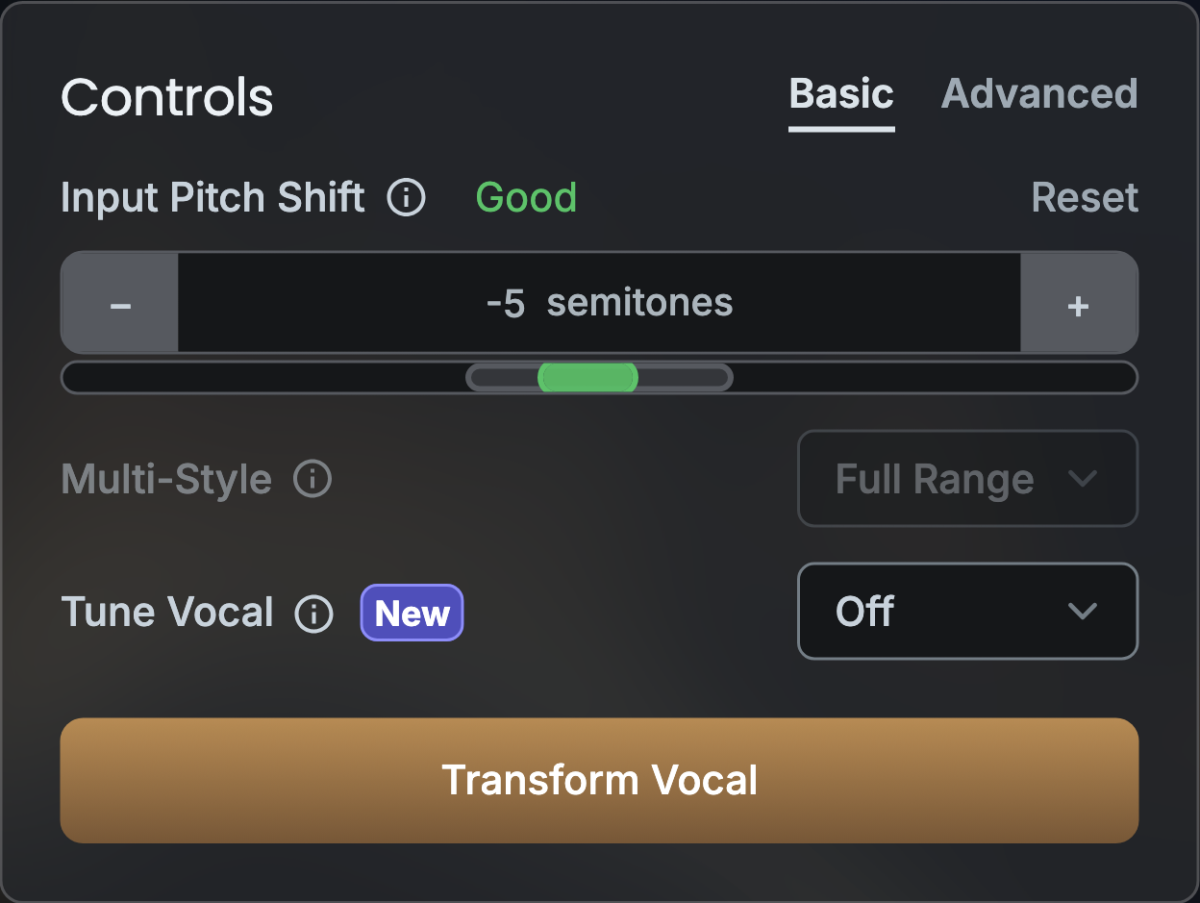
This screenshot illustrates the range-matching interface. It is not a female-to-male audio test or a prescribed shift for your song.
If the melody is too high for the candidate, first consider another model. If an octave-lower line suits the arrangement, audition that. If neither works, recording a different guide or transposing the whole song may be more useful than forcing the conversion.
4. Do not lose the song's key while fixing register
Lowering a C by 12 semitones produces another C. Lowering it by five semitones produces G. Those are different decisions when the instrumental has not changed.
The Input Pitch Shift control transposes the input supplied to the model. It does not automatically reharmonize an unchanged backing. After every non-octave shift, check the new notes with the chords.
If you want to keep the original register, do not shift down and back up by habit. That adds processing and may undo the range benefit. Try a better-suited singer instead. The pitch-shifting guide explains these options separately.
5. Compare the result in the arrangement
Import the transformation at the original bar position. Listen for:
- Intelligibility: are the consonants and lyric still clear?
- Register: do low notes remain defined against bass and guitars?
- Phrasing: do note releases and breaths still fit the song?
- Tone: is the new character useful, rather than simply darker?
Compare at similar loudness. A louder render can seem more convincing even when its low notes are less stable. If a problem occurs on one word, inspect that moment in the input before changing global settings.
Choose the voice that serves the song
Keep the versions you like and compare them in the full arrangement. A successful choice is about the line's clarity, character, and register together, not how far you lowered the pitch.
Use the troubleshooting guide when refining a result. For the other direction, see male-to-female vocal transformation.